Solutions
Screens from MIRACLE 7, the business platform we build and maintain ourselves.
Use the buttons below, or the ← → keys.
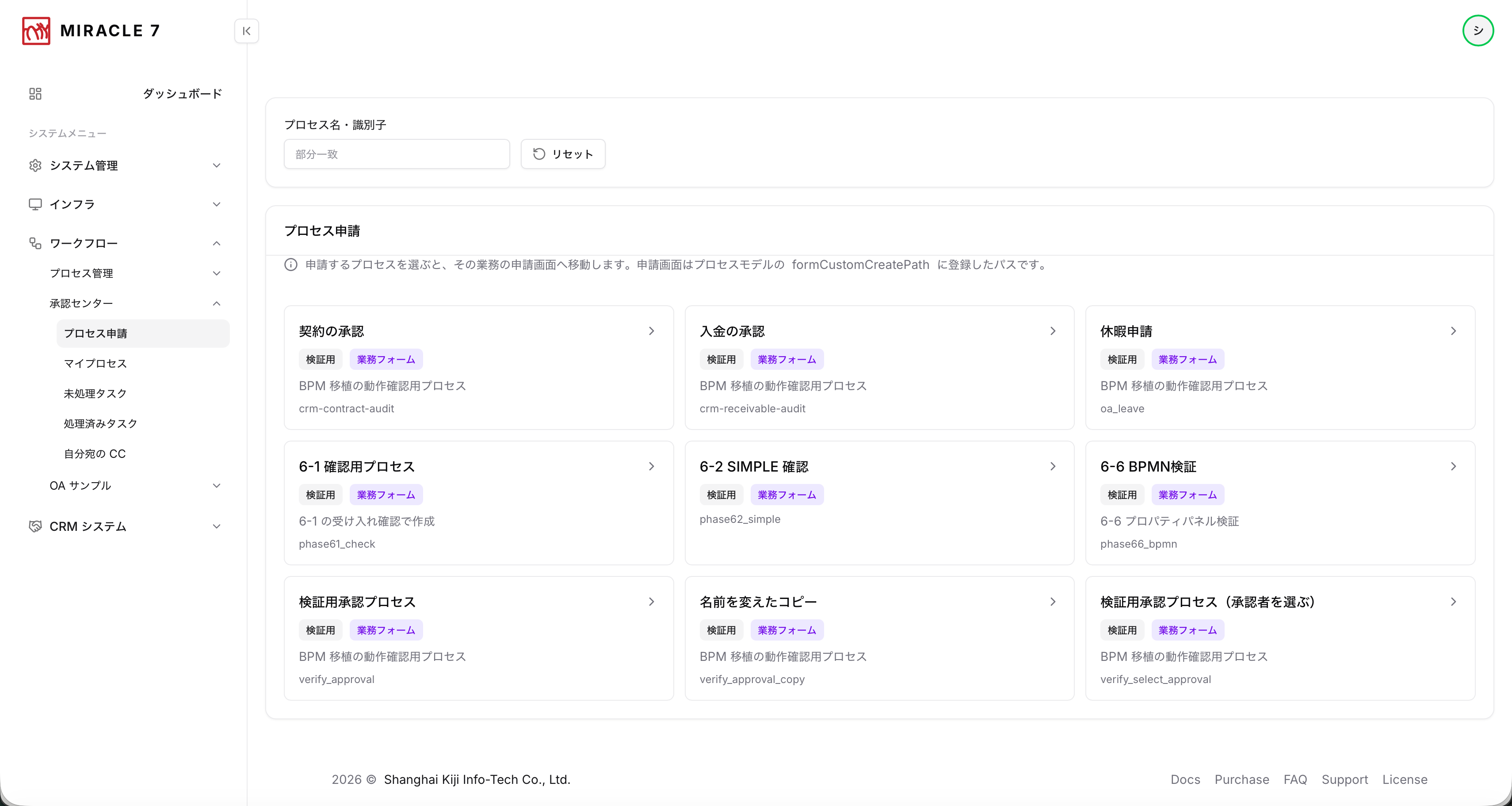
Where a request starts
Every process a person can start, laid out as cards. Picking one opens that process's own request form; tags and partial-match search keep it usable as the list grows.
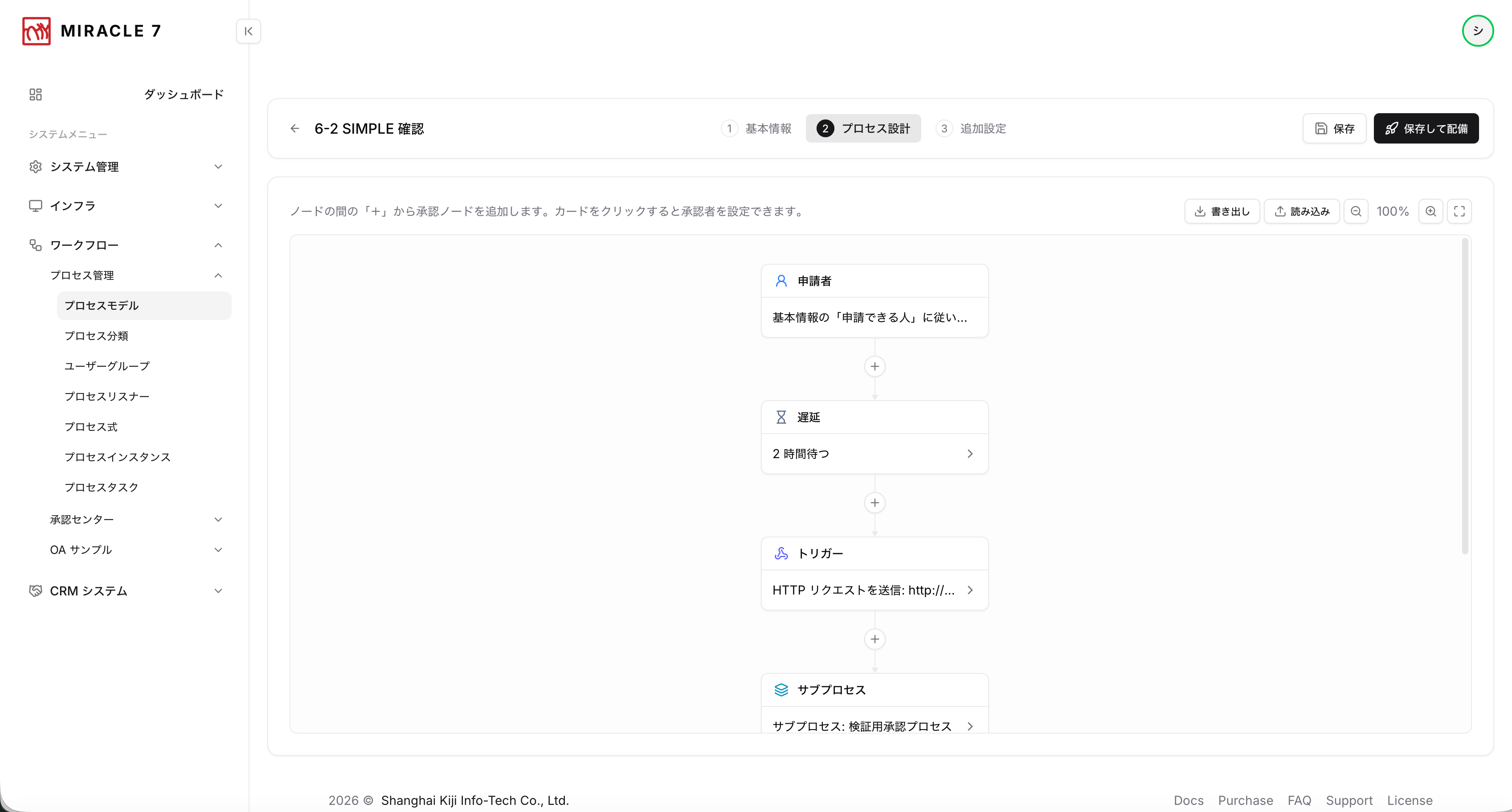
Flow design, simple mode
Press the “+” between two nodes to add an approval step. Requester, delay, trigger and sub-process line up in a single column.
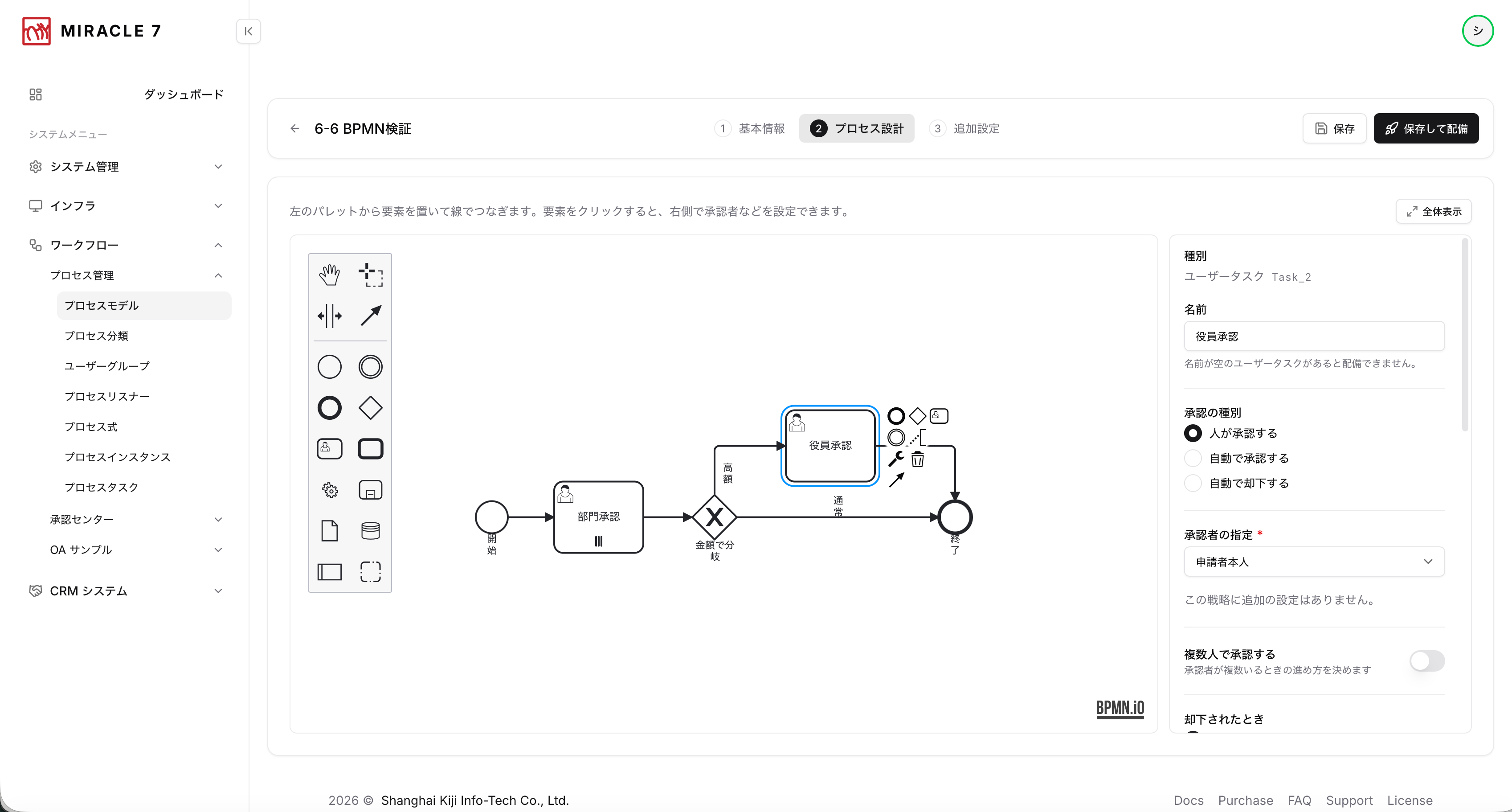
BPMN for the details
Drop elements from the palette, connect them, then click one to set its approver and branch conditions on the right — including routing by amount up to an executive approval.
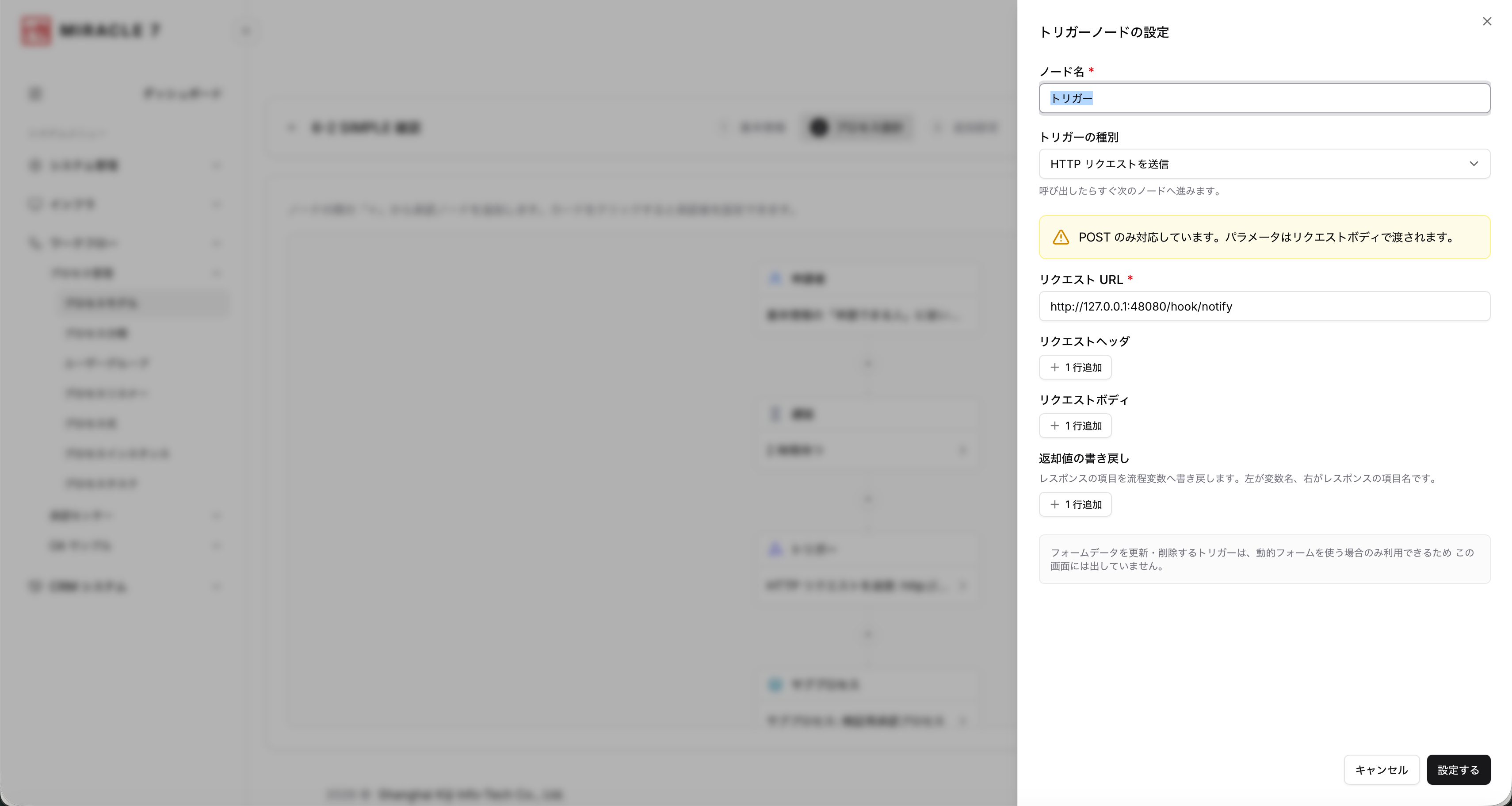
Talking to other systems
Send an HTTP request from the middle of a flow and write the response straight back into the process variables. This is the seam where existing systems connect.
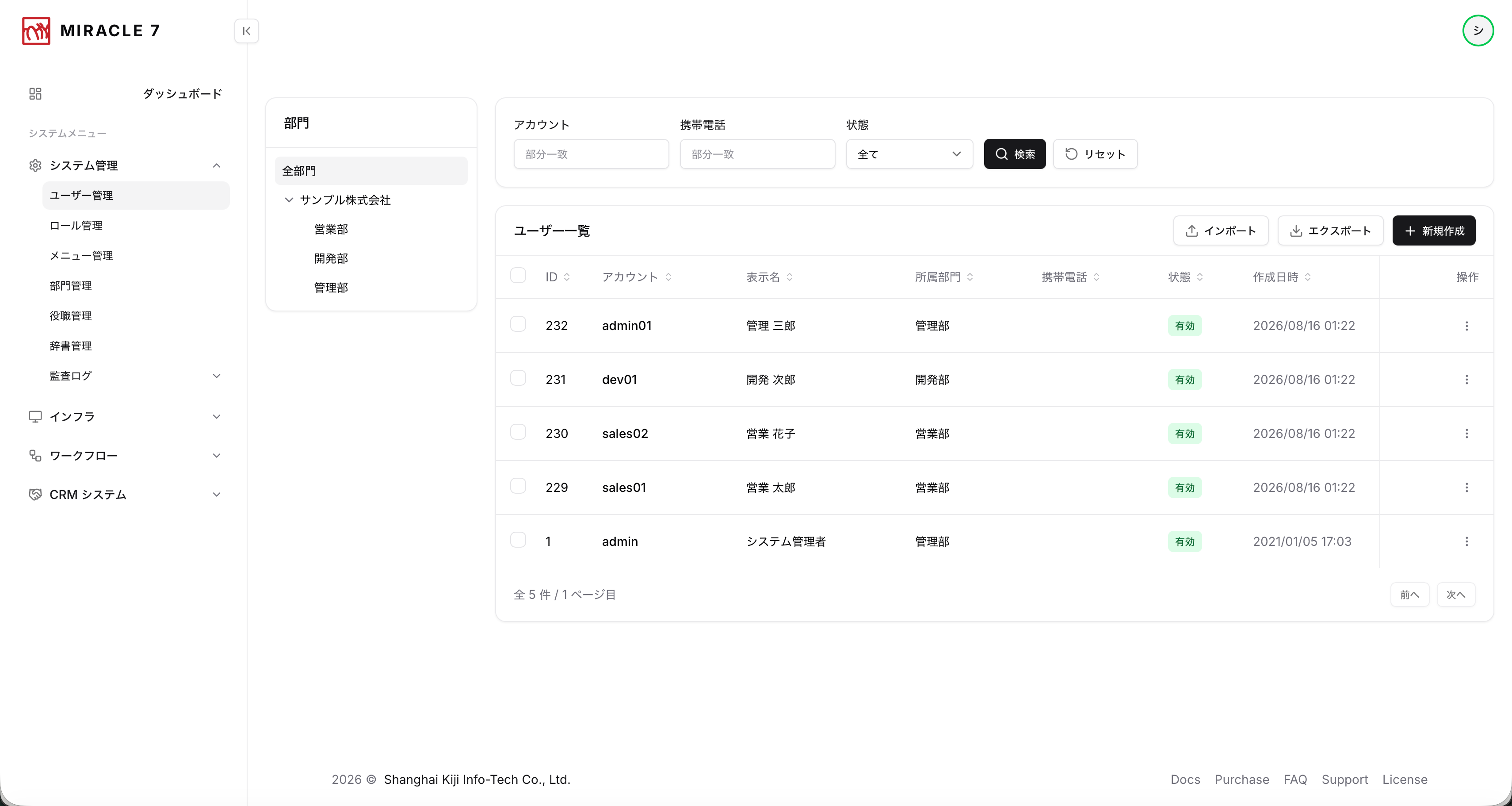
Users and departments
A department tree beside the user list, with search, import and export. Roles and job titles are assigned from the same screen.
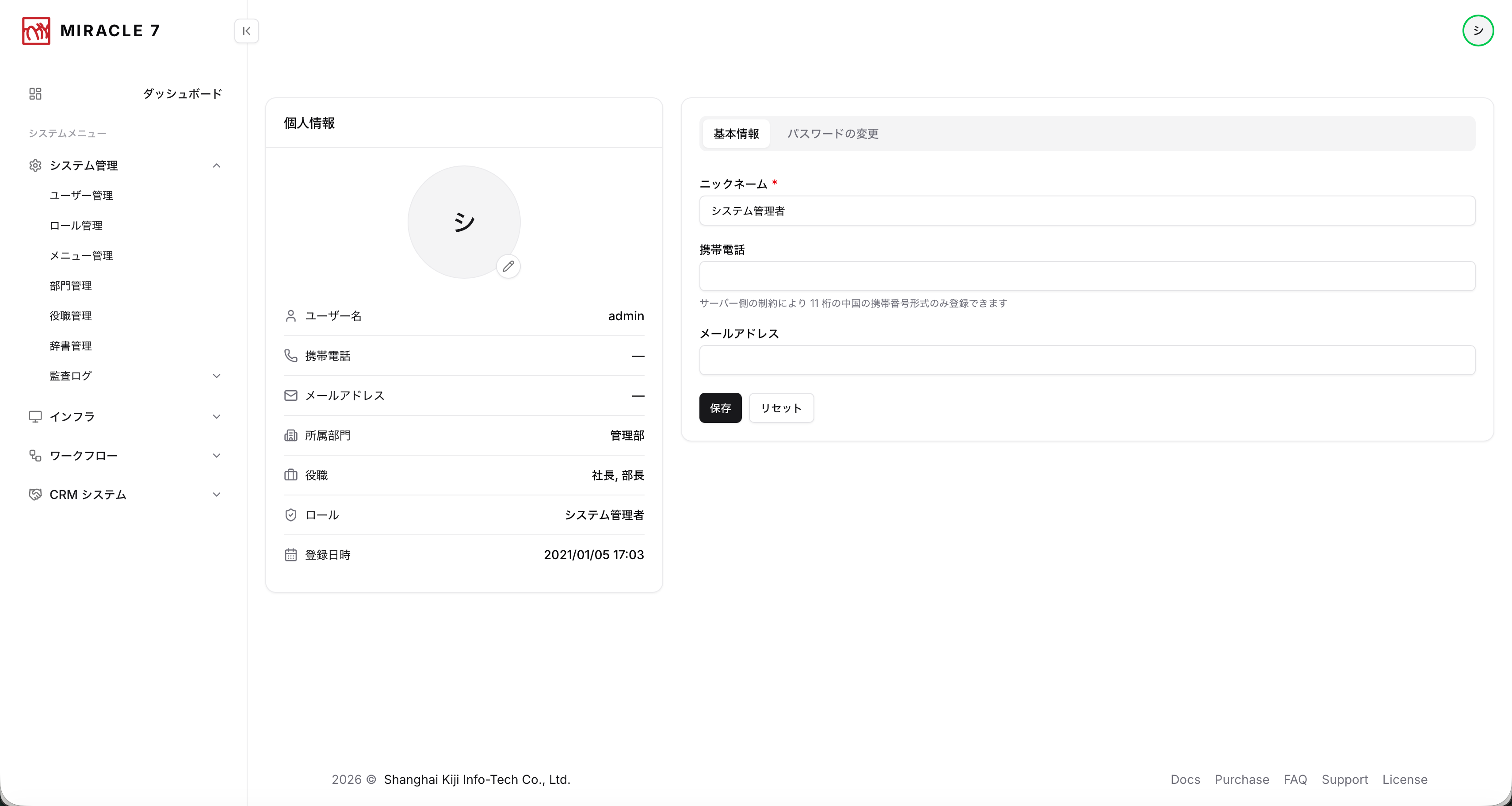
The user's own page
Profile and password. Whatever a person can maintain themselves is left to them, so administrators do not have to touch everything.
MIRACLE 7 — the business platform
- Front end
- React / TypeScript
- Back end
- Spring Boot / Java
- Database
- PostgreSQL
- Our scope
- Requirements, screen design, implementation, release, ongoing improvement
That is the stack for this particular project.
We work in a wide range of programming languages, so the choice can follow
whatever your existing systems and your own team already use.
How we work together
- Enquiry — tell us what you want to do and where things are stuck
- Shaping — we come back with rough screens and a ballpark estimate
- Development — something working to look at every two to four weeks
- Release and operation — we can keep improving it after launch